Home Dashboard Onboarding Guide
Last updated: June 15, 2026
What are the setup steps to get started?
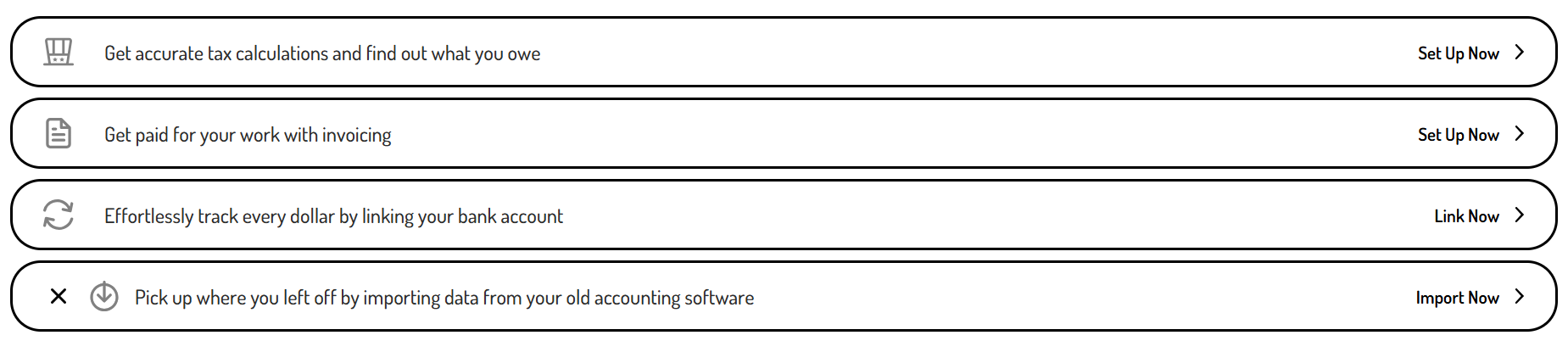
When you first sign into your <customer-partner> account, your <customer-partner name for Home Dashboard> will list the onboarding actions needed to start tracking your business finances.
Can I import my data from QBO or Xero?
<customer-partner> has an import feature, which allows you to bring in historical data directly from QBO or Xero. This allows you to maintain a complete financial picture without starting from scratch.
Are there any important factors to keep in mind if I wish to import data from QBO or Xero?
If you'd like to import data from QBO or Xero, this must be the first setup action you take. It's not possible to do the QBO or Xero import if you already have data on your books.
How do I import data from QBO or Xero?
Click 'Import Now' on the import action step
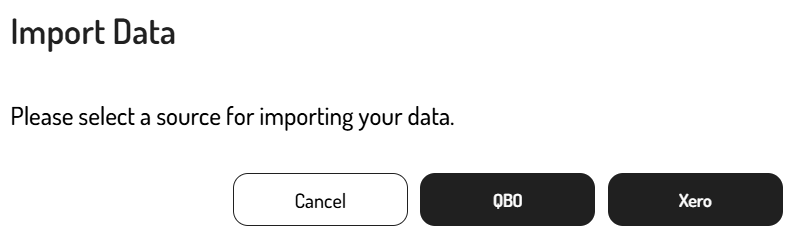
Select whether you want to import data from QBO or Xero
Follow the steps here to complete the QBO Import or here to complete the Xero Import
What is the bank linking set up?
Linking your business bank accounts and credit cards is what makes transaction tracking seamless in <customer-partner product>. Instead of entering transactions manually, your data is pulled in automatically so you always have an up-to-date view of your finances.
How do I link my bank accounts and credit cards?
Click 'Link Now' on the bank account tracking action step
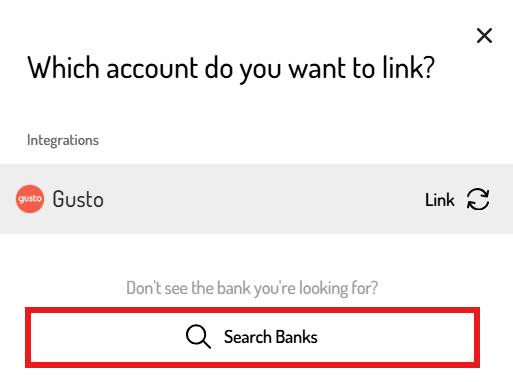
Click 'Search Banks'
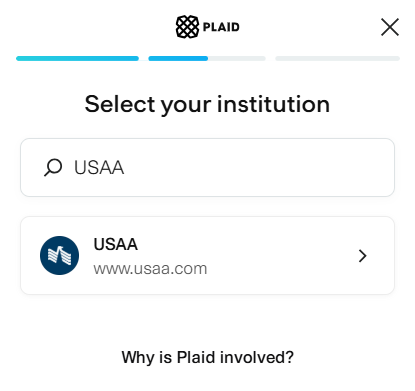
Search for your financial institution
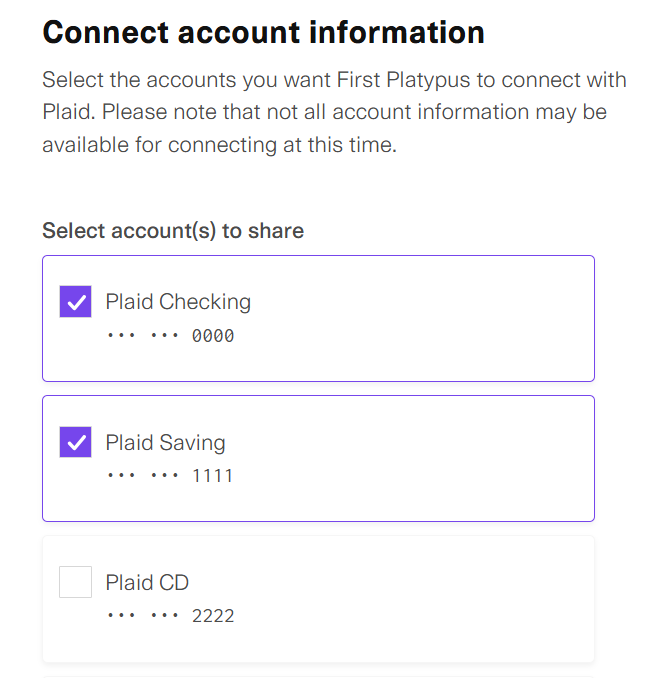
Follow the prompts to complete linking your accounts
Accounts toggled on will sync both deposits and withdrawals
What is the invoicing set up?
Setting up your invoicing details allows you to send professional invoices and collect payments directly through <customer-partner>.
How do I complete my invoicing set up?
Click 'Set Up Now' on the invoicing action step
Follow the prompts to set your business details, branding, and payment processing
If needed, you can set up additional invoice settings by following the steps here.
What is the tax calculation set up?
<customer-partner> estimates your federal, state, and self-employment taxes in real-time as you track your business data. To get the most accurate estimates, you'll need to complete your Tax Profile set up with details specific to your tax situation.
How do I set up my Tax Profile?
Click 'Set Up Now' on the tax profile action step
Answer the questions about your federal and state filing status
If needed, you can set up advanced tax settings by following the steps here.